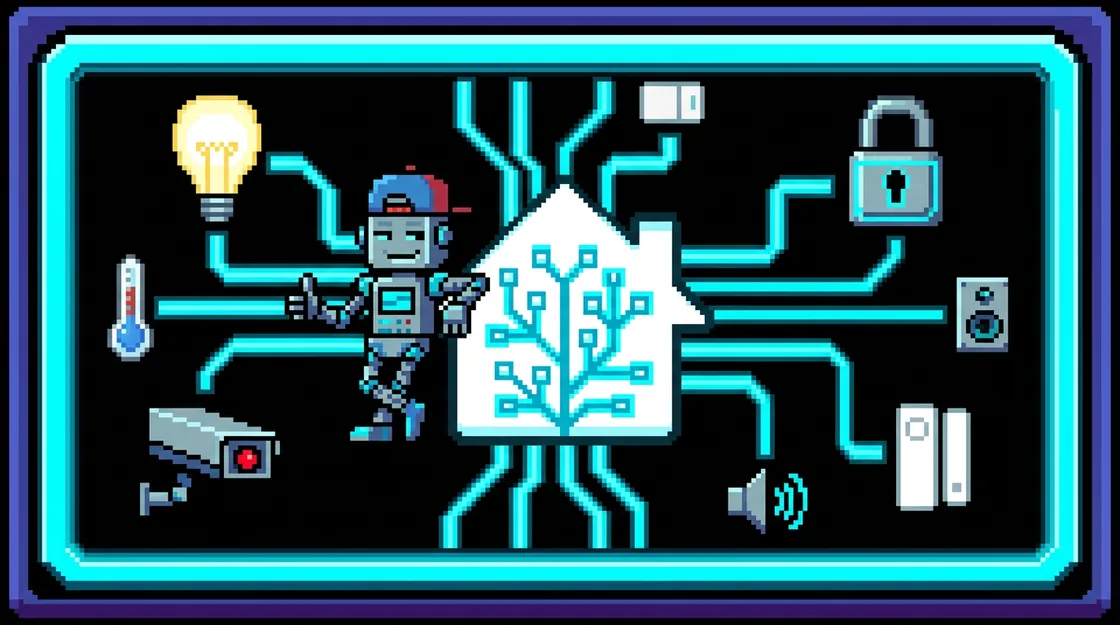
Skills for Claude Code, GitHub Copilot CLI, and VS Code that build automations, scripts, and ESPHome configs grounded in your live entities and the official docs.
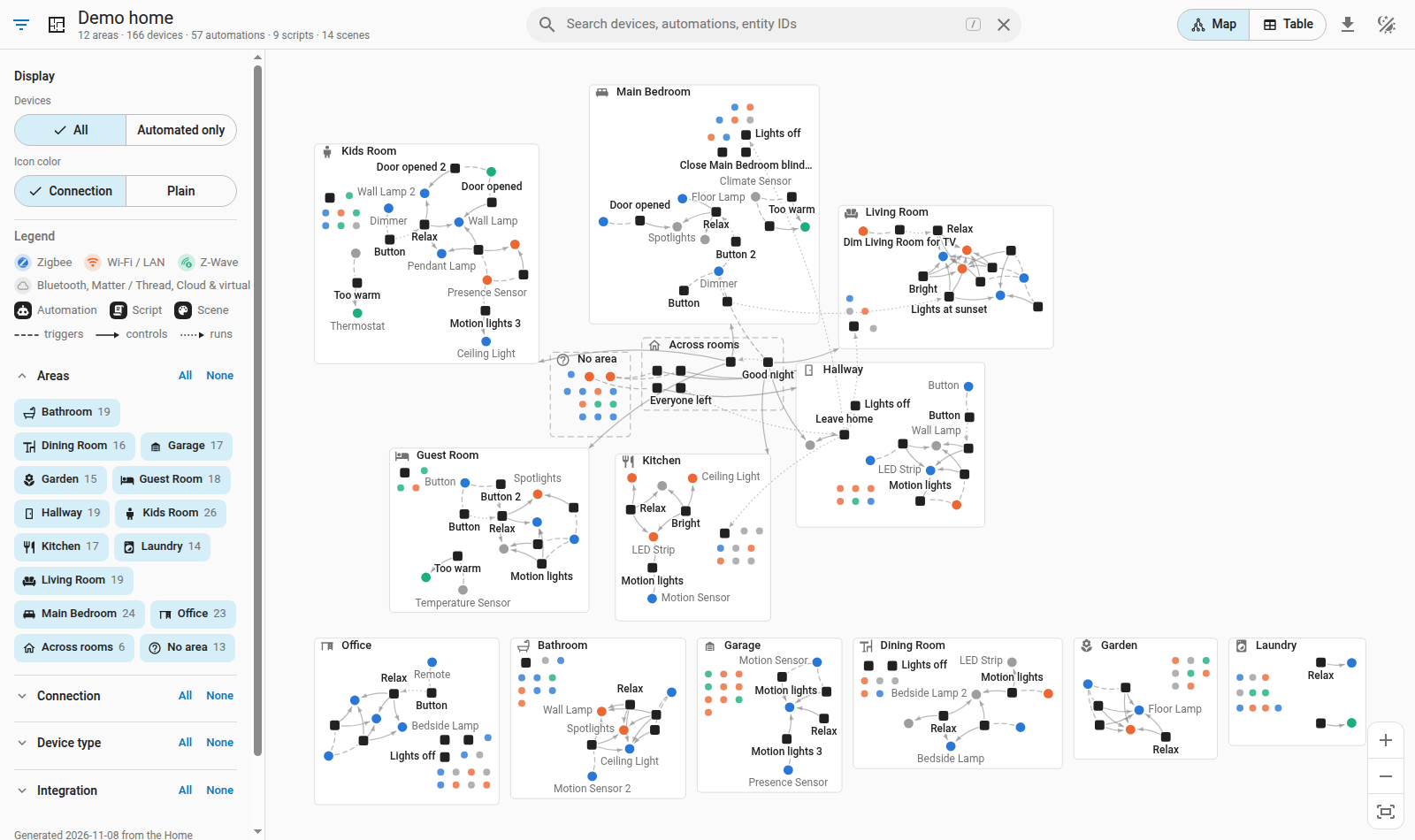
Every room as a card holding its devices, linked to the automations, scripts, and scenes that trigger or control them. Search, filter, and click through 12 rooms, 166 devices, and 57 automations.
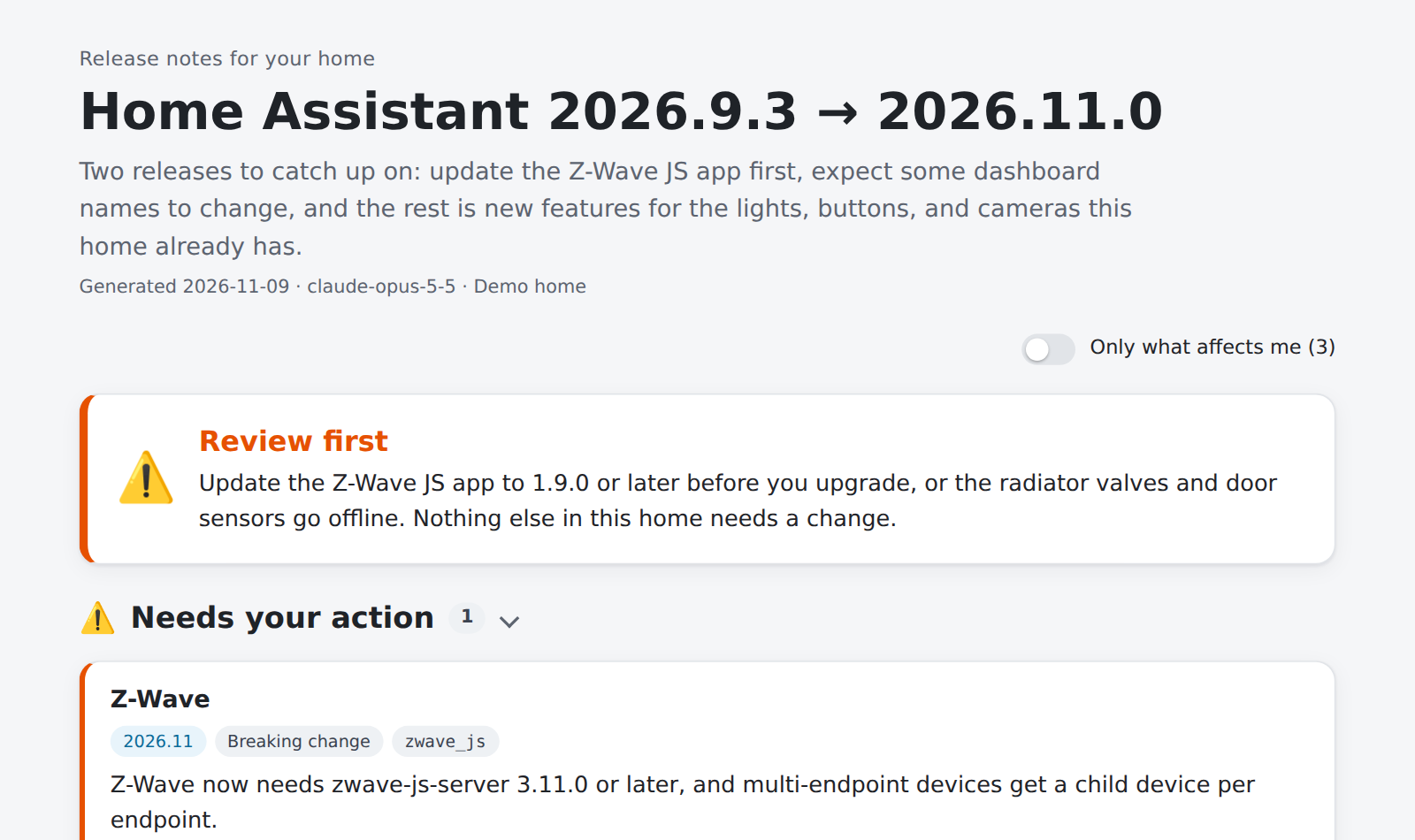
Every release between the installed version and the newest, checked against the home's integrations and automations. A verdict up top, then what needs doing, what will look different, and the new features worth a look, here for a made-up home going from 2026.9.3 to 2026.11.0.
Installing gets the latest version, v1.7.0. You need Home Assistant 2026.11 or later, Python 3, and one client: Claude Code, GitHub Copilot CLI, or VS Code with GitHub Copilot.
Turn on the MCP server in Home Assistant
Go to Settings → Devices & services → Add Integration and add Model Context Protocol Server. Then pick the entities the agent may see under Settings → Voice assistants → Expose.
The HTTPS address set as the Internal or External URL in Home Assistant. It fills in the commands below and never leaves this page.
Add the plugin and connect it
Claude Code
Terminal
claude plugin marketplace add calexandre/homeassistant-assistant
claude plugin install homeassistant-assistant@homeassistant
claude mcp add --scope user --transport http homeassistant https://YOUR-HOME-ASSISTANT/api/mcp
claude mcp login homeassistant
claude mcp login opens your browser to sign in to Home Assistant, so there is no token to copy.
The skills and the SSH guard load from the clone. Run MCP: Add Server, choose HTTP, enter https://YOUR-HOME-ASSISTANT/api/mcp, use the ID homeassistant, and sign in when VS Code opens your browser.
Check that it works
Ask a question only your house can answer:
Prompt
Which lights are on right now?
The answer should name your real entities. For automations, logs, and your own home map, add the optional SSH snapshots. Stuck? See Troubleshooting.